Added Plugin Dev Manual and OBS Studio
Version 2.10.2 | OBS Studio
We added a little bit of guidance for the brave pioneers that are trying to extend adaptor:ex. Even though there is still a lot of details missing, it's enough to make it a whole new chapter with the inspiring name of Development.

Maybe motivating: since v2.10 adaptor:ex can load and install plugins from NPM. If you publish your plugin to NPM everyone can use it right away 💫
Update adaptor:ex to v2.10.2 before you get to work and you get the option to hot reload your plugin during development. Just drop your plugin prototype into the ./adaptorex/plugins/development folder and you will not need to restart the server after every typo 🙌
Also once more @taste1 for the rescue: Together we managed to fix the local mongo DB setup script and OSC Devices.
A brief changelog for patch v2.10.2:
- Fix errors in mongo DB setup script
- Added hot reload for local plugin development
- Added CL option to install specific plugin version from NPM
- Fix OSC Device fatal error on incoming messages with path length > 1
To not have your new plugin feel all alone on NPM we hurried to get a first one up there. For our latest Game Theater Project A Seed Story we integrated the OBS Studio Websocket Protocol to easily control on scene Video. Using OBS Studio with adaptor:ex proofed very useful building and running a live video remote Game from two continents. We added Websocket events and there it is:
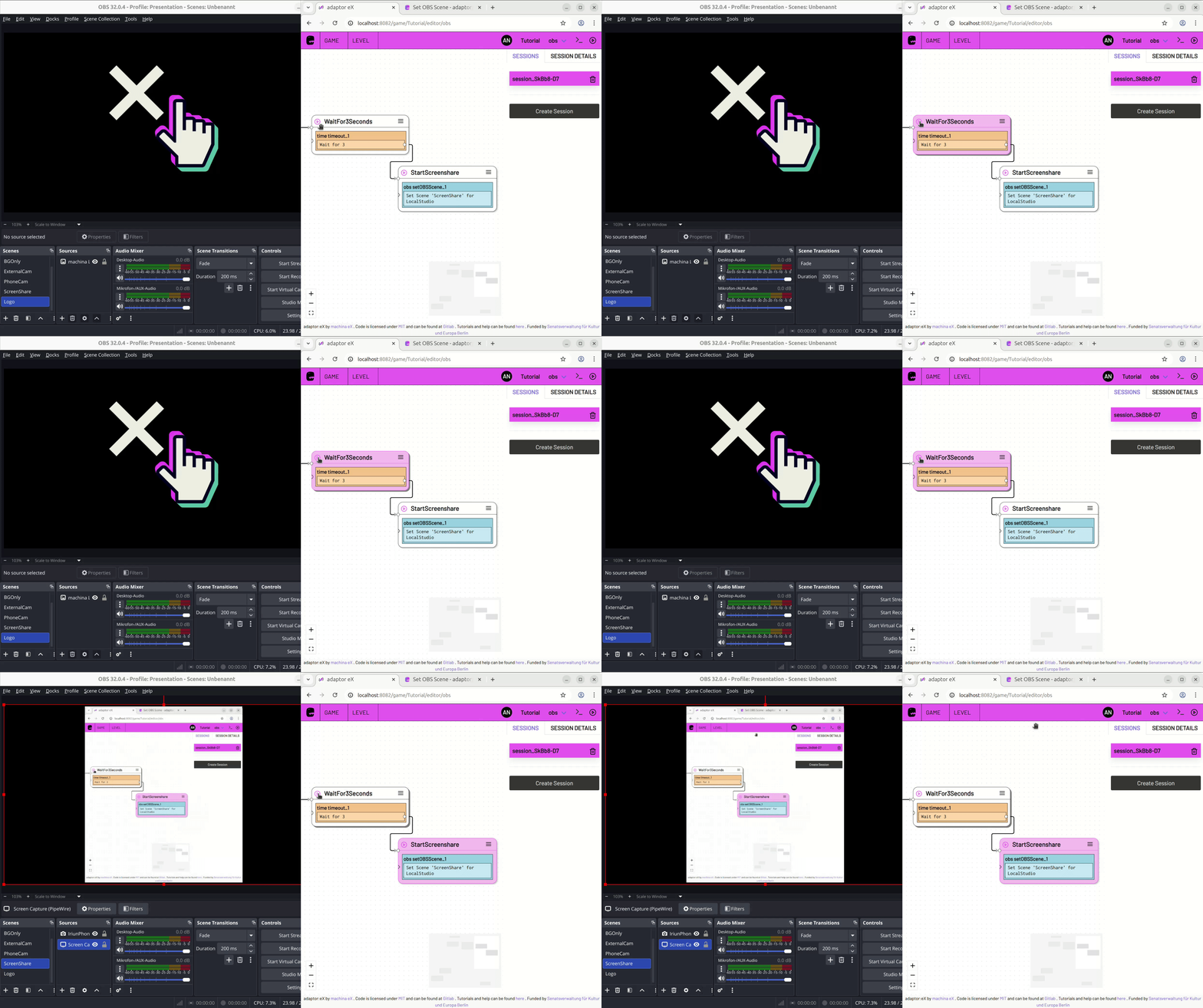
If you are on adaptor:ex >= 2.10 and have internet access, the plugin should come right up in your game settings.