Klicke hier um zur deutschen Version der Dokumentation zu gelangen.
adaptor:ex helps you to create game theater, interactive installations, chatbot adventures, escape rooms or any other kind of playful live event.
The graphical programming interface is optimized to bring dramaturgy and game mechanics together and arrange them in a visually concise way.
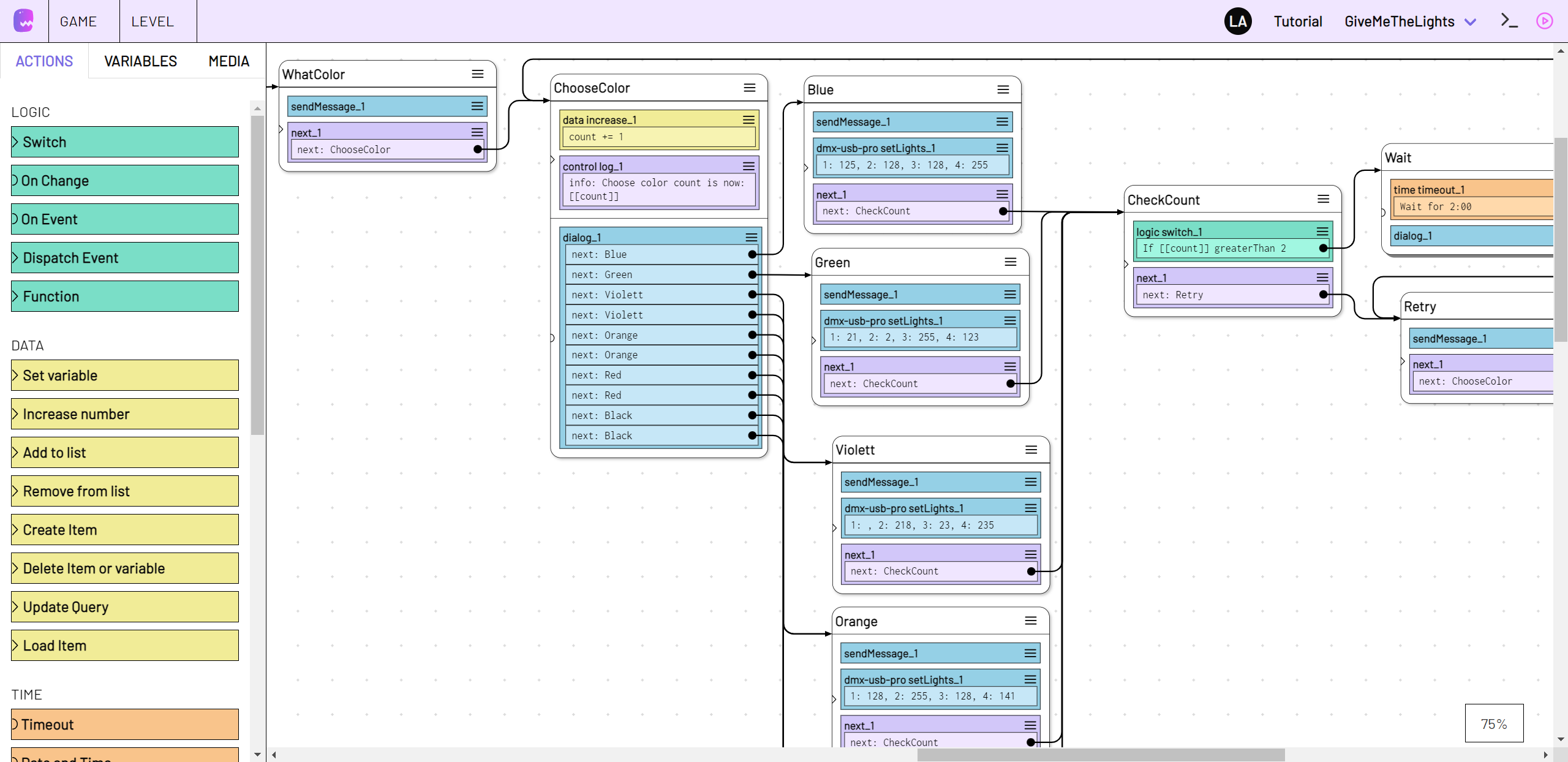
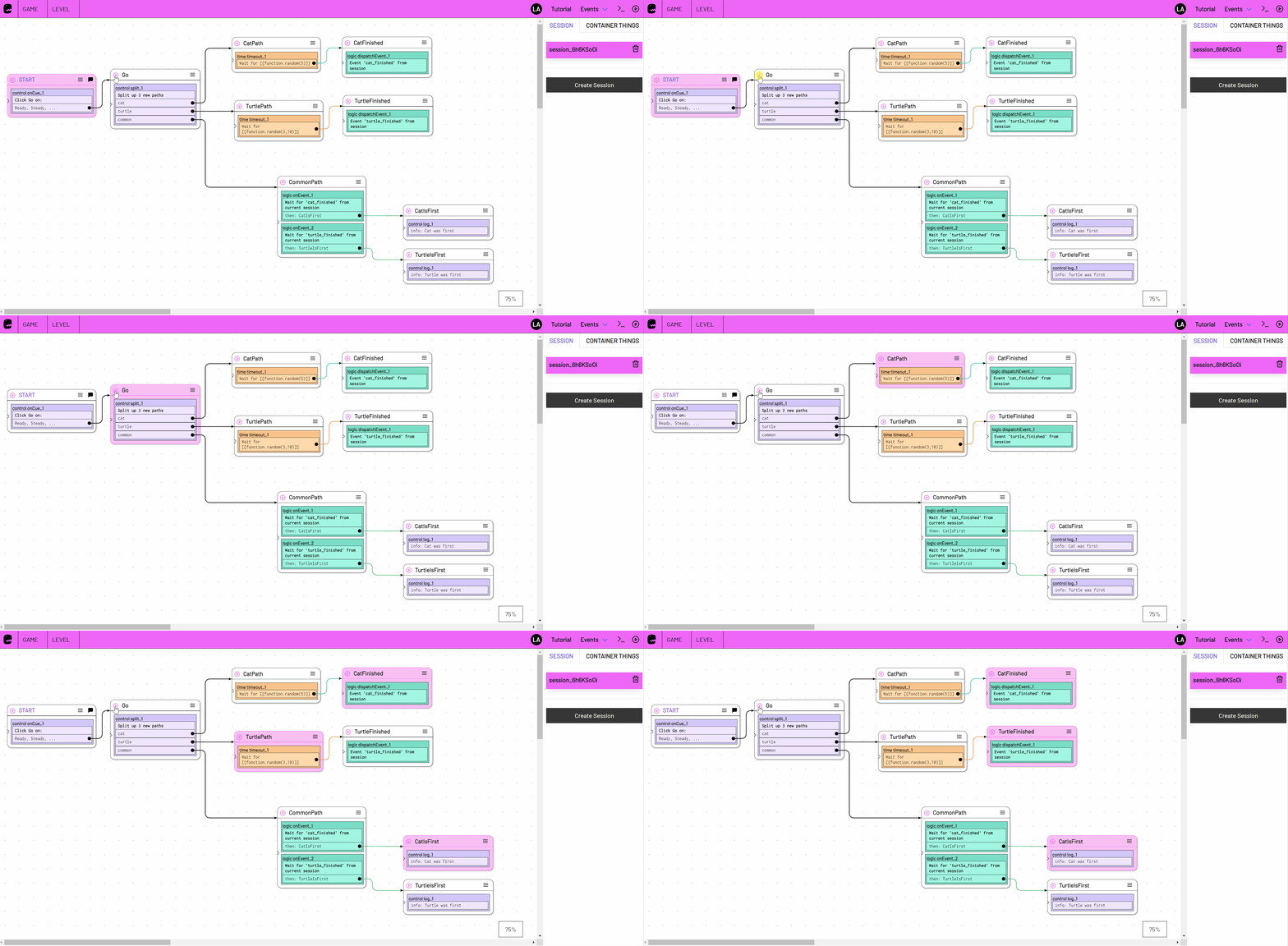
You can make quick adjustments during rehearsals, monitor and control the live flow during tests and live shows.
The adaptor:ex editor is opened in your web browser, and you can edit the same game with several people at the same time.
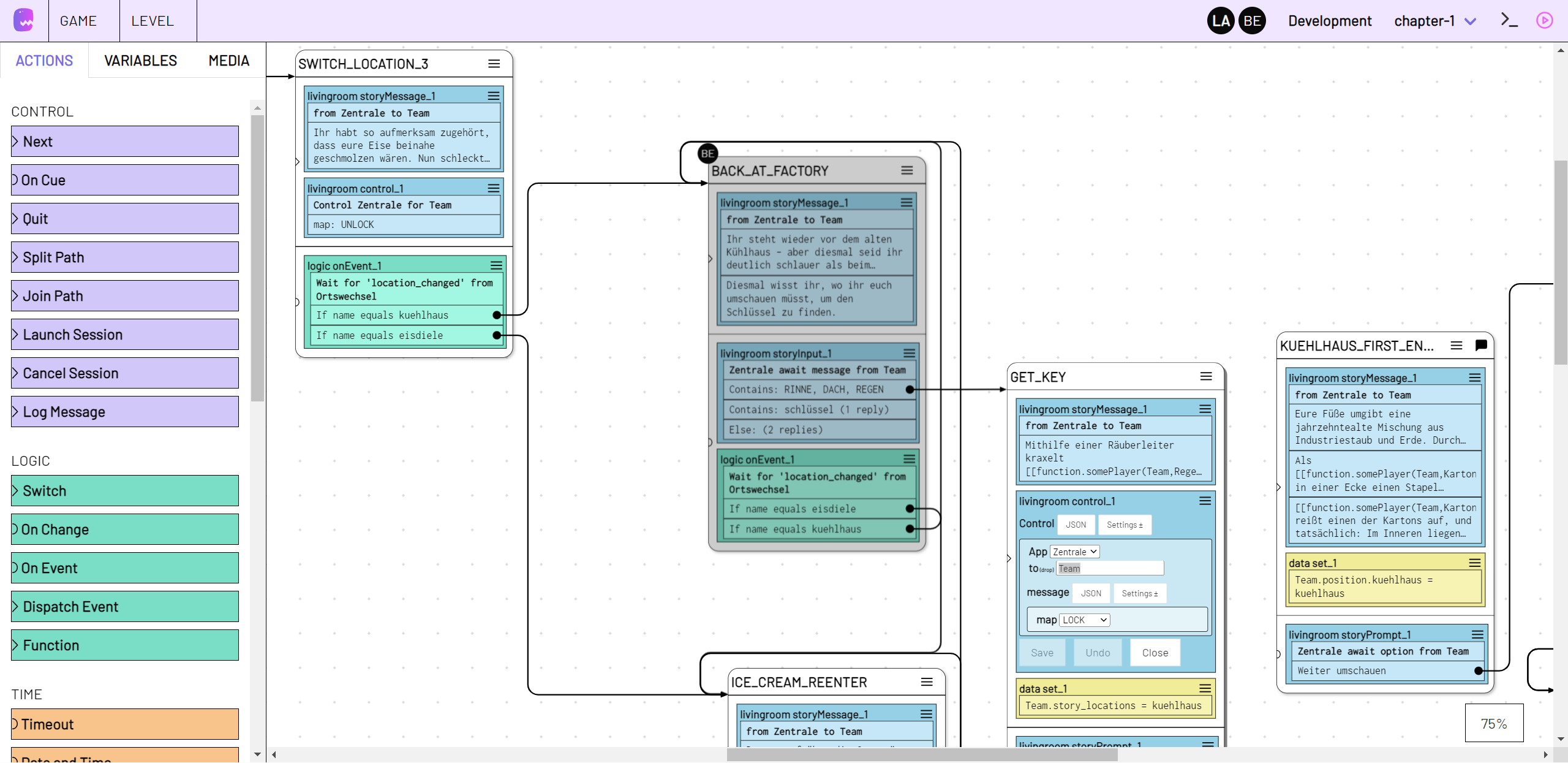
On these pages you will find out more about how to use adaptor:ex to connect and control your storyline, game mechanics, software and hardware.
-
Get Going
Follow the Getting Started Guide, install adaptor:ex on your computer, and create your first game.
-
Look it up
Learn how to use the editor, build games and how to control your live show.
-
Step by Step
Get to know the different ways in which you can use adaptor:ex.
-
Connect everything
Wire up all elements of your Live Adventure with plugins like OSC, Telegram, DMX, MQTT, Ableton Live ...
-
What's new?
Subscribe to news about updates, new features and showcases as RSS Feed or join our Discord Channel.
-
One for all
Install adaptor:ex on your PC at home or set up a server for the whole team to access and collaborate.
If you need help, discovered a bug or want to suggest a feature: create an Issue on Gitlab write us an e-mail or a message in our Discord Channel. There you can also discuss with others and get news about features, updates and bugfixes.
If you are missing something and want to extend the framework, write code snippets or create your own plugin, have a look at the Development docs.
This is a machina commons project by

sponsored by

Senate Department for Culture and Europe Berlin